Adding Suppliers
We recommend adding all your item Suppliers during the account setup process.
Suppliers must be set up before you can send Orders to Suppliers.
You should also add your own company as a Supplier if your business is involved in supplying labor and materials.
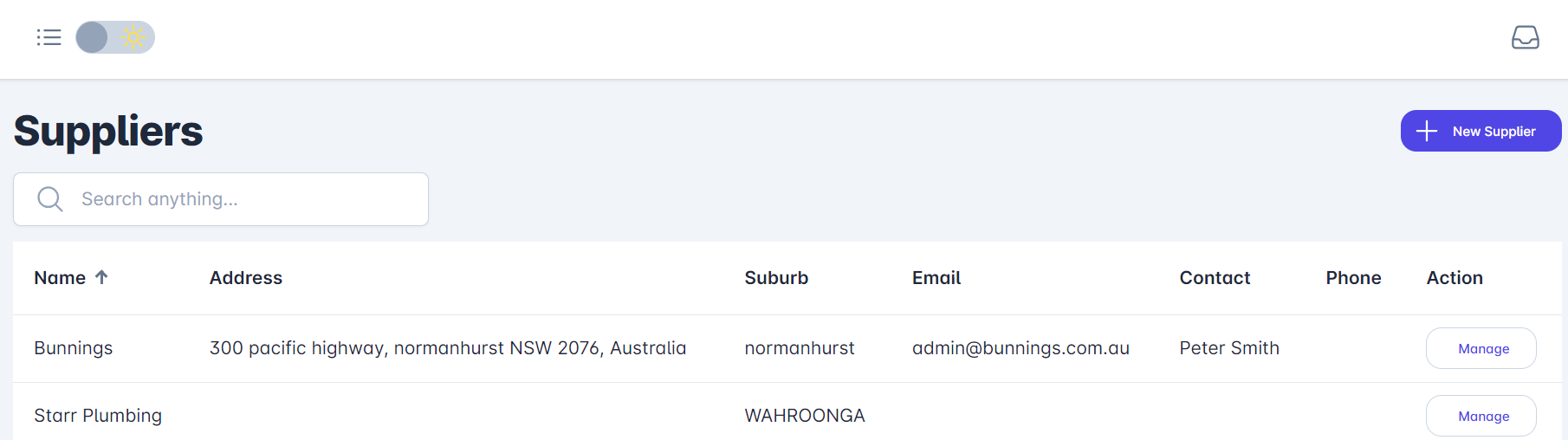
- Go to Suppliers in main menu
- Select + Add Supplier
Once suppliers are set up, you can then assign a supplier to the estimate item by choosing from the drop-down list of suppliers during the Items List setup or at estimate creation time.
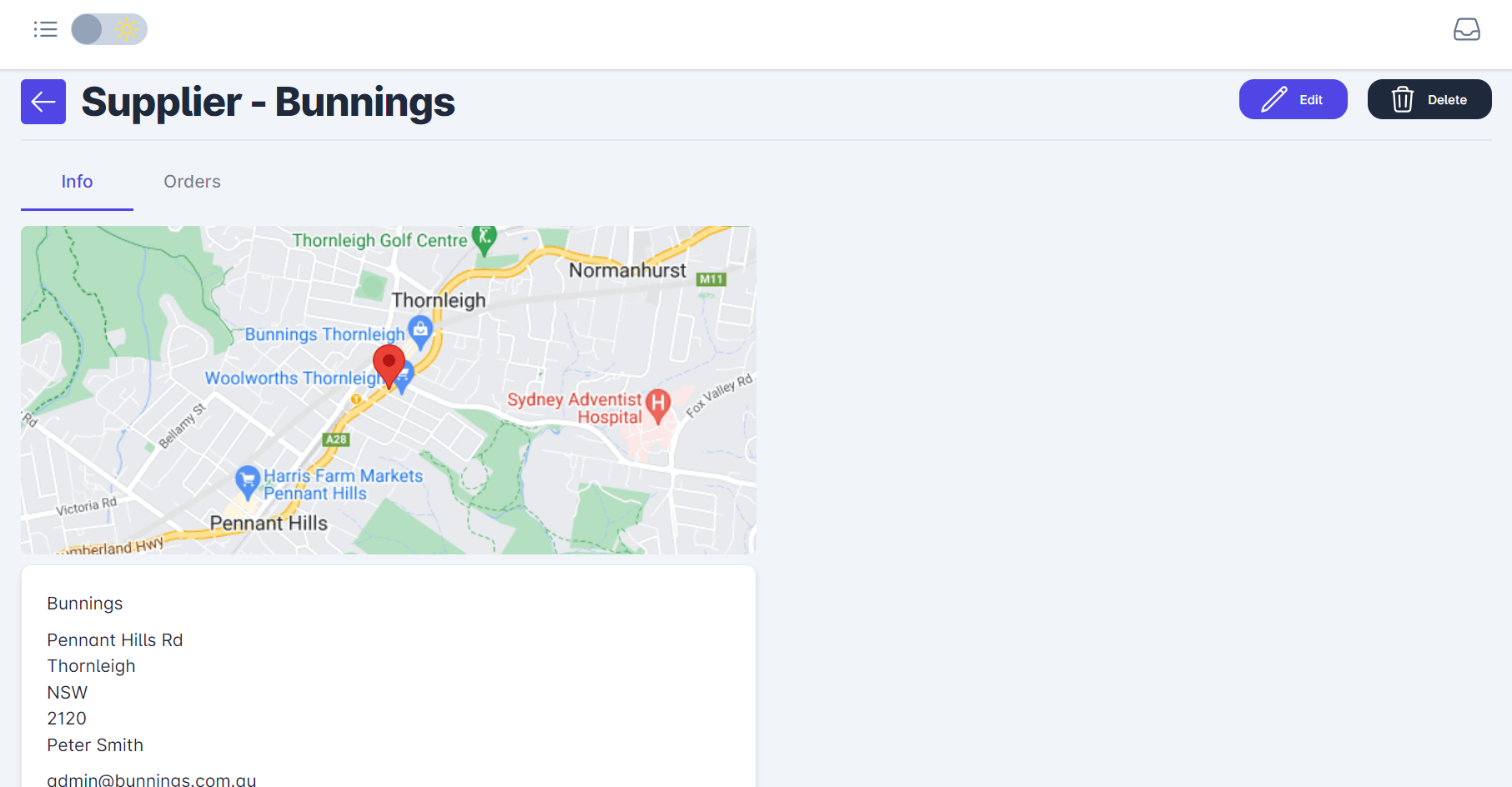
Adding, deleting, or editing suppliers can be done at any time by selecting Suppliers from the main menu, identifying the supplier, and selecting Manage.
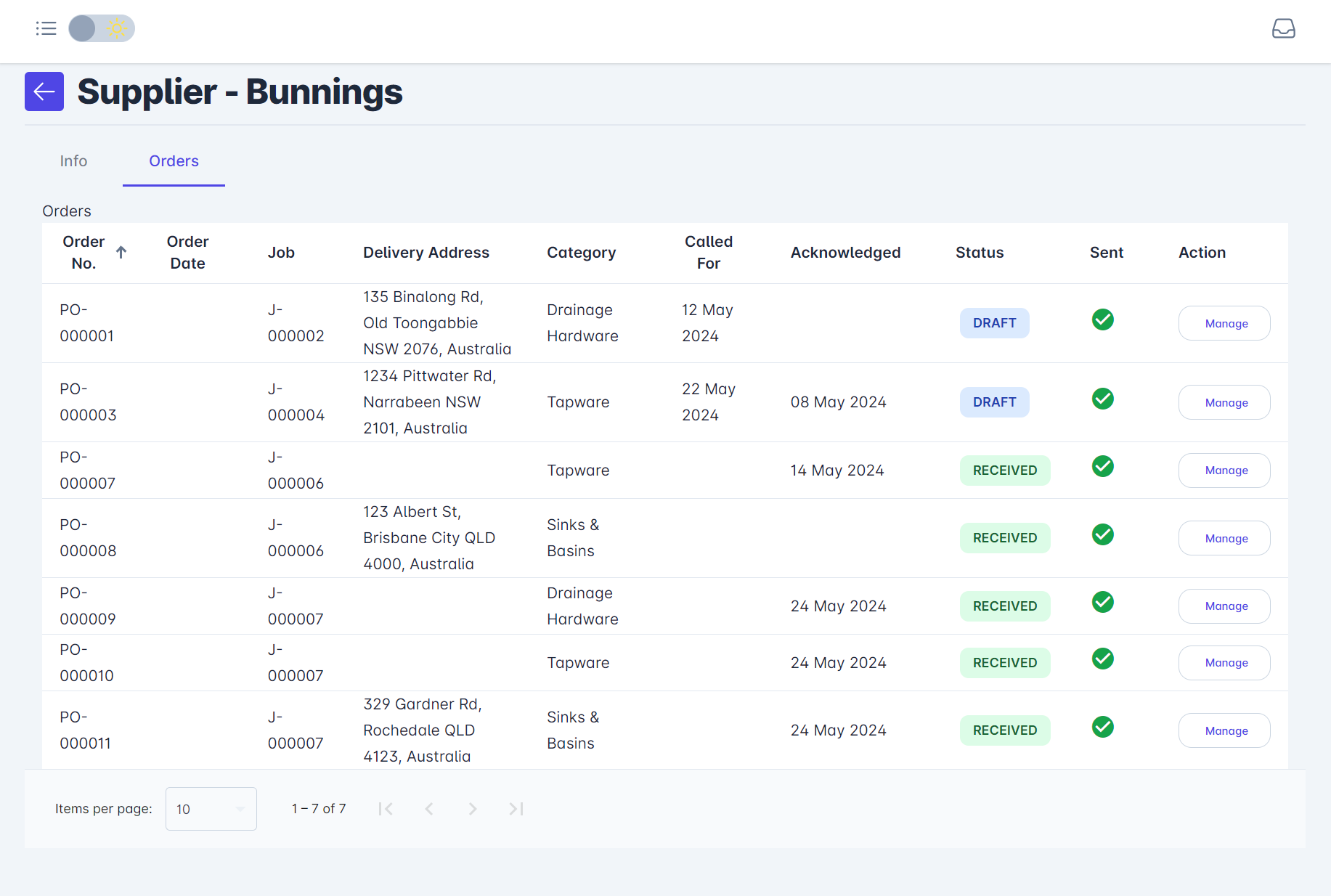
Select Edit to modify. Also, please notice the sub-heading Orders - this provides a historical list of orders for the selected supplier.